Your dashboard is where you run your business on Tourfect: your tours, booking requests, bookings and site. It lives on your Tourfect address, like yourname.tourfect.ie.
Log in
- Go to the login page on your own address: yourname.tourfect.ie/users/sign_in, with your address in place of yourname.tourfect.ie. Or go to tourfect.ie and click Log in.
- Type your Email and Password.
- To stay signed in on this computer or phone, tick Remember me.
- Click Log in.
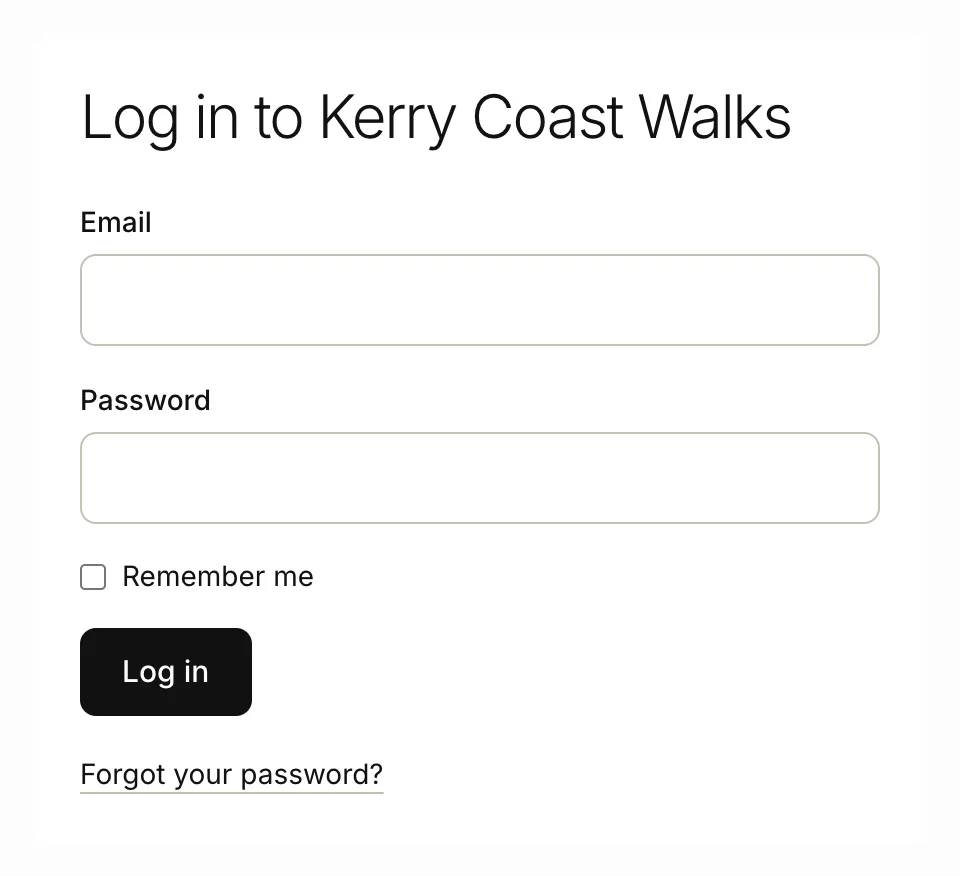
If you log in on tourfect.ie, we take you to your own address and sign you in there. Bookmark your own login page and use it next time.
You land on Home. If you haven’t finished the guided setup, you go back to the step you were on. See The guided setup.
If your site is on your own domain, your dashboard stays on your Tourfect address.
Staying signed in
If you don’t use the dashboard for 14 days, we sign you out. Remember me keeps you signed in on that device for 14 days, even after you close your browser. It works whether you log in on your own address or on tourfect.ie. Don’t tick it on a shared computer.
To sign out, click Log out.
If you can’t log in
- Check you’re using the email address you signed up with.
- After 10 wrong passwords in a row, your login is locked for 30 minutes. It unlocks by itself. We warn you on the last try before the lock.
- If you see “Too many sign-in attempts”, wait a few minutes and try again.
- Forgotten your password? See Your account and password.
The menu
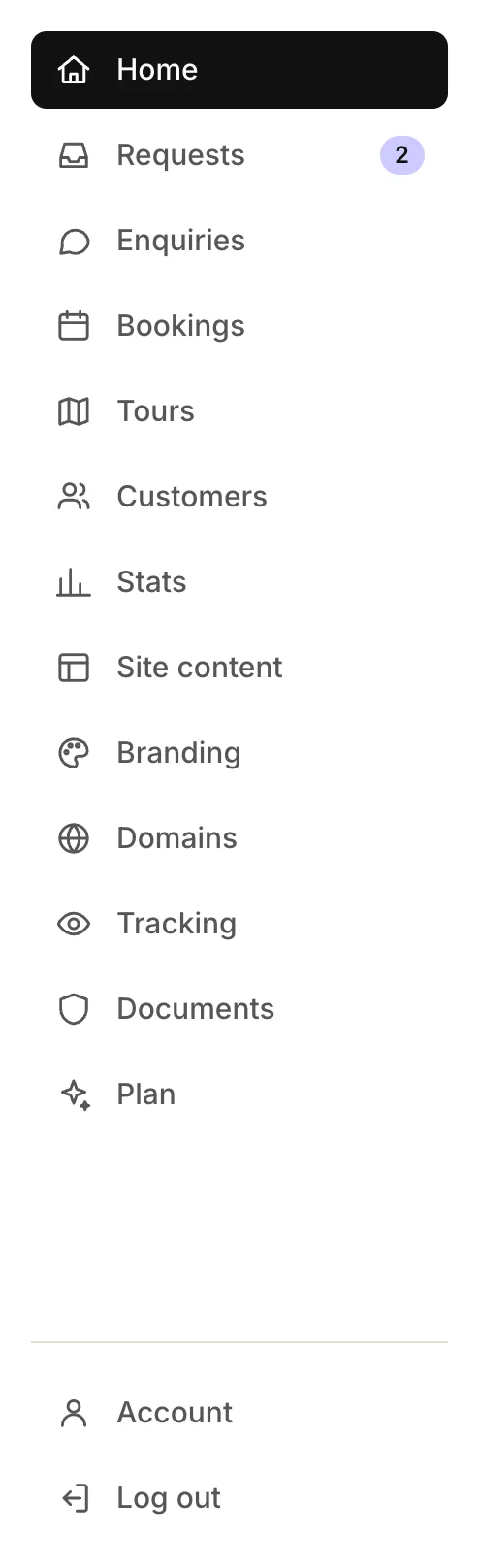
On a computer, the menu is down the left side. The Requests, Enquiries and Site content items show a number when something is waiting for you.
- Home: what needs your attention, this month’s figures, recent requests and upcoming bookings
- Requests: booking requests from your tour pages
- Enquiries: messages from your Contact page and private tour requests
- Bookings: your bookings, the calendar and Booking settings
- Tours: your tours, with their prices, photos and availability
- Customers: the travellers who have booked with you
- Stats: visits to your site and your booking figures
- Site content: everything on your site besides your tours, like reviews, FAQs, your About page and the blog
- Branding: your theme, logo and colours
- Domains: your site’s address, and your own domain
- Tracking: your own Google tools on your site, like Google Analytics
- Documents: your insurance and licences, which only you and Tourfect staff can see
- Plan: what your plan includes, and asking to change it
- Account: your email address and password, downloading your data, and closing your account
- Log out
At the top of every page, View my site opens your site in a new tab.
The menu on a phone
On a phone, the menu is a bar at the bottom of the screen with Home, Requests, Enquiries and Bookings. Tap More for everything else, including Account and Log out.
Related articles
Still stuck? Contact us
Tell us what you're trying to do and where it went wrong. We reply by email within a working day.
Contact us